Productivity · 8 min read
The Best Digital Planner for iPad in 2026 (Honest Comparison)
By The Stacked Days Team · January 8, 2026

There are hundreds of digital planners on the market in 2026 and most of them are flat images dressed up as PDFs. Here's how to spot a good one in 60 seconds.
Check 1: hyperlinked navigation. Open the PDF in GoodNotes and tap on a date in the monthly view. If you jump to that day's page, it's a real hyperlinked planner. If nothing happens, walk away.
Check 2: undated. Dated planners are obsolete the day after you buy them. Undated planners let you start mid-month, skip a week, or restart after a break — without guilt and without waste.
Check 3: layout density. Daily spreads should give you space to actually write, not 47 boxes for things you'll never fill in. The minimalist trend in planning isn't just an aesthetic — it's because empty boxes feel like failure.
Check 4: print compatibility. A real digital planner is designed at 300 DPI on A4 or US Letter so you can print whenever you want. If it's only sized for iPad screens, you've bought a single-purpose product.
Check 5: app compatibility. The PDF should open and behave correctly in GoodNotes, Notability, Noteshelf, and Adobe Acrobat. If the planner is locked to one app, skip it.
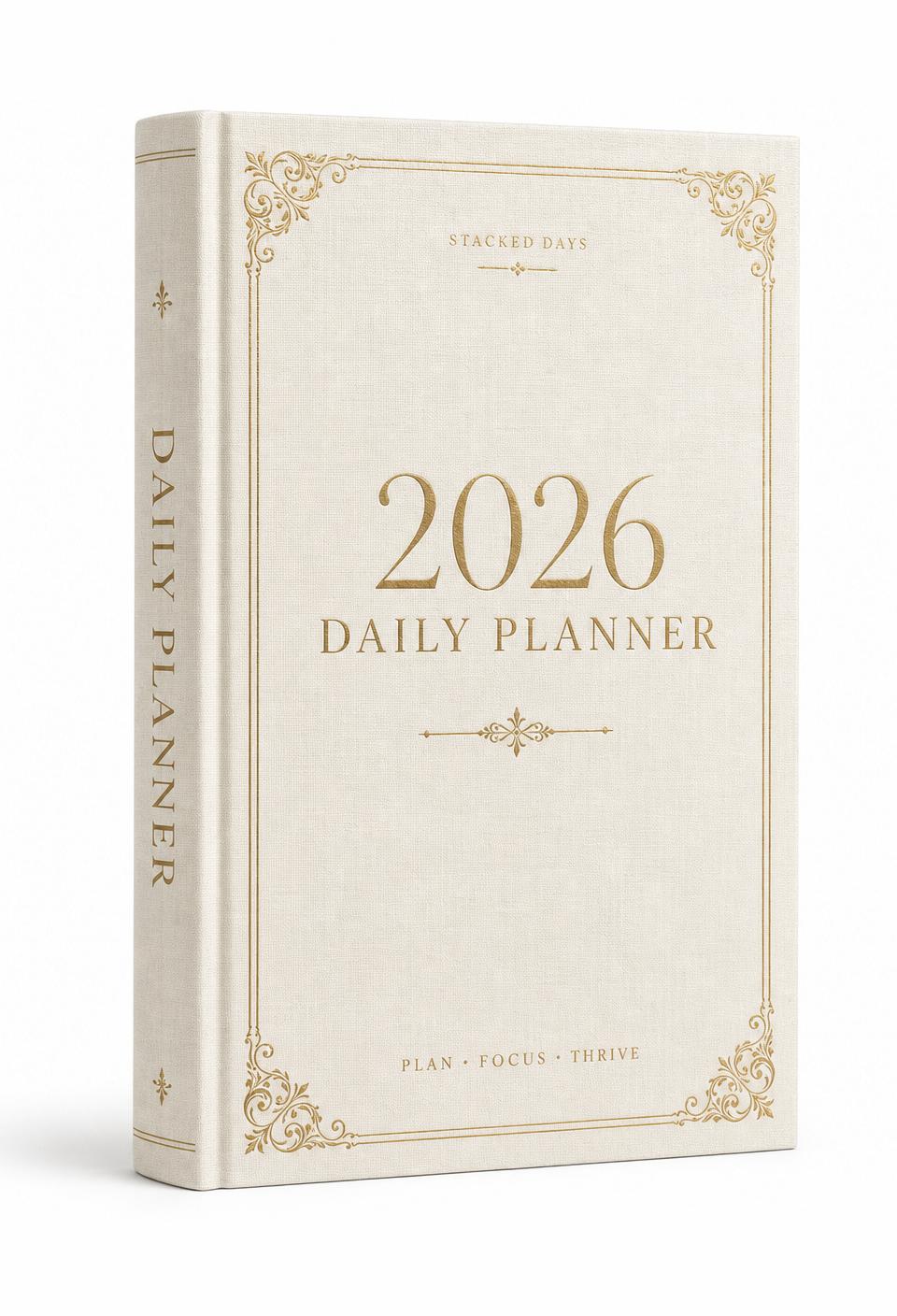
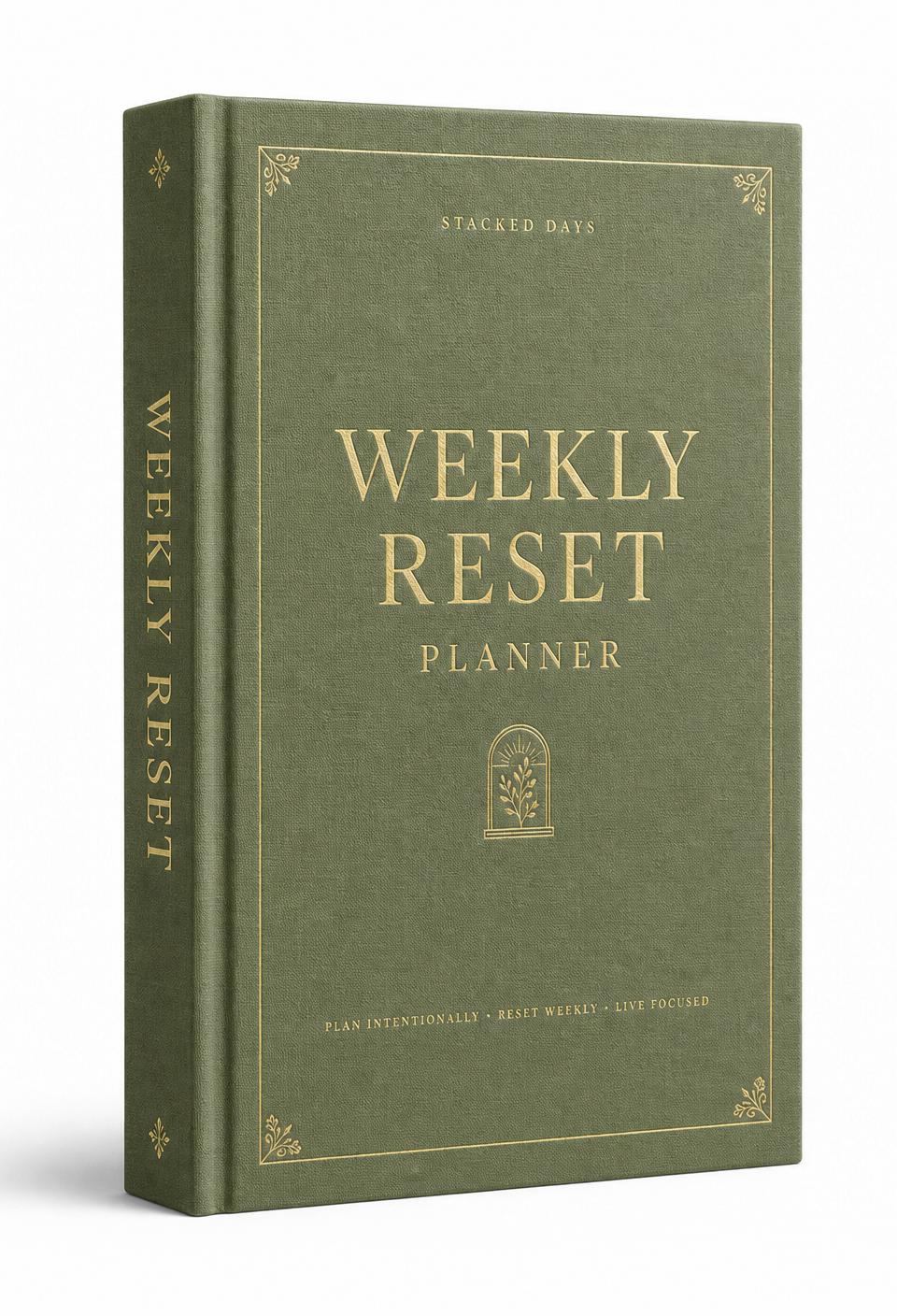
Our own Daily Planner and Weekly Planner pass all five checks — which is the bar we hold every digital planner to before we recommend it.
Frequently asked
Questions readers ask
- What makes a digital planner 'hyperlinked'?
- Hyperlinked means tappable navigation: tap a date on the monthly view and you jump to that day's page; tap an index entry and you jump to that section. Without hyperlinks, you're scrolling through hundreds of pages.
- Does the planner need to be dated?
- Undated is almost always better. You can start any day, repeat months, skip weeks, or restart after a break — without wasting pages or feeling behind.
- What's the best app to use the planner in?
- GoodNotes 6 on iPad. Notability and Noteshelf 3 also work perfectly. On Android, Noteshelf 3. On Windows or web, OneNote with the PDF imported.
Author
The Stacked Days Team
We make slow-made digital journals, planners, and trackers for anyone choosing to live a little more on purpose.