✦ Launch week — 15% off sitewide with code LAUNCH15✦ Try our planner free — Download a sample →✦ Free bonus prompt pack with orders over $75✦ New drop: 2026 Daily Planner — Shop Now →✦ GoodNotes Compatible · Instant PDF Download · Lifetime Access✦ Instant PDF · No subscriptions · Yours forever✦ 30-day happiness guarantee on every order✦ Printable + GoodNotes, Notability & Noteshelf ready✦ Read the journal — slow notes on intentional living✦ Launch week — 15% off sitewide with code LAUNCH15✦ Try our planner free — Download a sample →✦ Free bonus prompt pack with orders over $75✦ New drop: 2026 Daily Planner — Shop Now →✦ GoodNotes Compatible · Instant PDF Download · Lifetime Access✦ Instant PDF · No subscriptions · Yours forever✦ 30-day happiness guarantee on every order✦ Printable + GoodNotes, Notability & Noteshelf ready✦ Read the journal — slow notes on intentional living✦ Launch week — 15% off sitewide with code LAUNCH15✦ Try our planner free — Download a sample →✦ Free bonus prompt pack with orders over $75✦ New drop: 2026 Daily Planner — Shop Now →✦ GoodNotes Compatible · Instant PDF Download · Lifetime Access✦ Instant PDF · No subscriptions · Yours forever✦ 30-day happiness guarantee on every order✦ Printable + GoodNotes, Notability & Noteshelf ready✦ Read the journal — slow notes on intentional living
← Back to journal

Productivity · 9 min read

How to Organize Your Life with a Digital Planner (Full System)

Most people use a planner like a to-do list with extra steps. That's why most planners fail. A real system has four parts, and you need all four for the planner to do real work in your life.

Part 1 — Capture. One single inbox for every incoming task, idea, or commitment. Doesn't matter where it comes from — meeting, conversation, midnight thought, email — it goes into one place. The capture inbox is processed (not done) during your weekly review.

Part 2 — Calendar. Only time-blocked commitments go here. Meetings, focus sessions, school runs, exercise. If it's on the calendar, it has a start and end time. To-dos do not belong on the calendar.

Part 3 — Priorities. Three priorities per week, three per day. Three is the cap. The priorities are the things that, if done, define the week as a success — regardless of how busy you were otherwise.

Part 4 — Review. Once a week, 45 minutes, ideally Sunday evening. Process the capture inbox. Look back at last week. Choose this week's three priorities. Time-block them.

That's the whole system. Capture, calendar, priorities, review. The Daily Planner, Weekly Planner and Habit Tracker are designed to interlock around exactly this structure — but the framework works in any well-designed planner.

The mistake to avoid: building a system more complex than your life. If you're a freelancer with three clients, you do not need the same system as a Fortune 500 executive. Simpler systems get used. Used systems work.

Frequently asked

Questions readers ask

Can a digital planner replace my project management app?
For solo and personal life, yes. For team projects, use a planner alongside a tool like Notion or Asana — the planner is for your intentions, the app is for shared execution.
How often should I look at my planner?
Morning (5 min to set intent), evening (5 min to review), and Sunday (45 min for the weekly reset). That's it. Constant checking turns it into a phone.
What about long-term goals — do they go in the planner?
Yes, but only as quarterly outcomes referenced in your weekly review. Long-term planning lives in a separate vision section, not on daily pages.

Share this piece

Author

The Stacked Days Team

We make slow-made digital journals, planners, and trackers for anyone choosing to live a little more on purpose.
Ready to start your practice? →

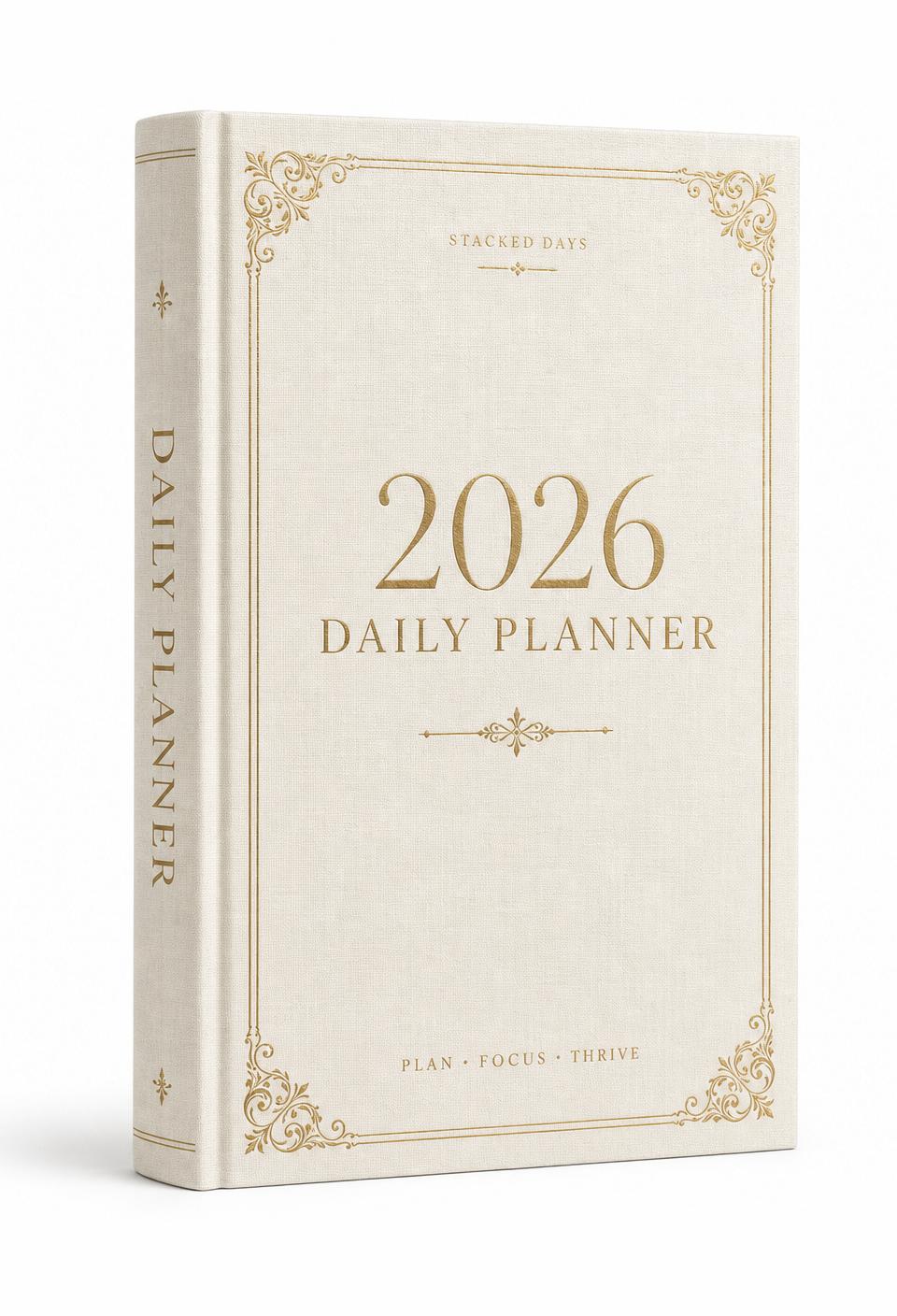
2026 Daily PlannerNEW
Planners

2026 Daily Planner

A year of intentional days — beautifully designed.

4.9 (58)
$28$17
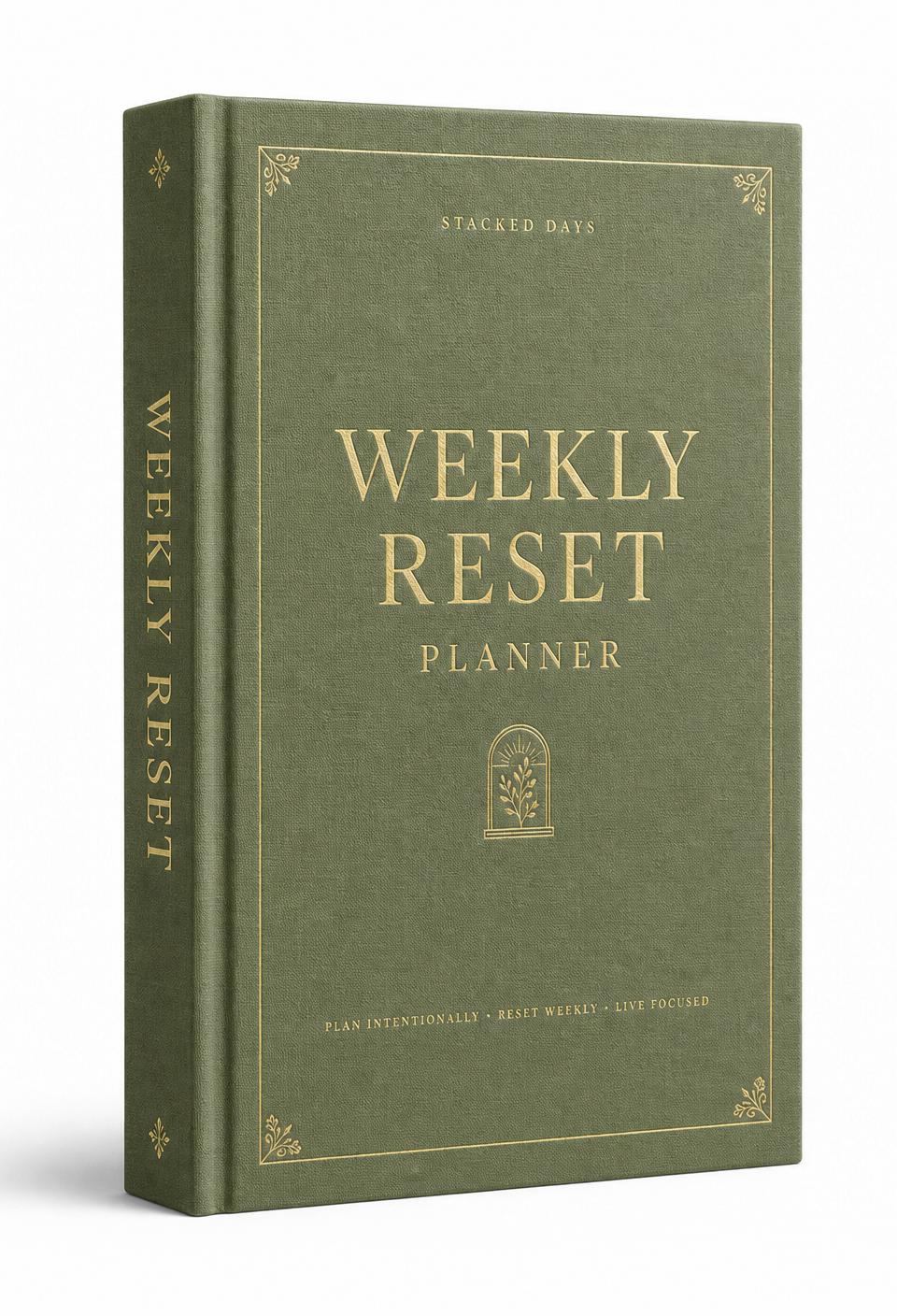
Weekly Reset Planner
Planners

Weekly Reset Planner

A 52-week reset ritual — plan, review, reset.

4.8 (41)
$21$13

Keep reading

Journaling · 5 min read

5 Journaling Prompts for Anxiety Relief That Actually Work

Read

Productivity · 7 min read

How to Start a Daily Journaling Practice (And Actually Keep It)

Read

Mindset · 6 min read

Why GoodNotes Is the Best App for Digital Journaling in 2026

Read

Productivity · 6 min read

Digital Planner vs Paper Planner: Which Actually Helps You Plan?

Read

Productivity · 5 min read

How to Print a Digital Planner at Home (Without Wasting Ink)

Read

Productivity · 8 min read

The Best Digital Planner for iPad in 2026 (Honest Comparison)

Read

Productivity · 4 min read

How to Import a PDF Planner Into GoodNotes (Step-by-Step)

Read

Journaling · 8 min read

30 Journaling Prompts for Self-Discovery (That Aren't Cliché)

Read

Productivity · 6 min read

How to Build a Habit Tracker That Actually Works

Read

Journaling · 7 min read

Shadow Work Journal Prompts for Beginners (Gentle Start)

Read

Productivity · 5 min read

Weekly vs Daily Planner: Which Should You Actually Use?

Read

Journaling · 6 min read

How to Stop Overthinking with Journaling (4 Techniques That Work)

Read

Journaling · 5 min read

Gratitude Journal Prompts for Hard Days (When 'Be Grateful' Feels Hollow)

Read

Productivity · 7 min read

How to Plan Your Week on Sunday Night (45-Minute Method)

Read

Productivity · 6 min read

Notability vs GoodNotes for Digital Planning (2026 Comparison)

Read

Journaling · 7 min read

Manifestation Journal Prompts That Actually Work (No Magical Thinking)

Read

Productivity · 5 min read

How to Use a Digital Planner on Android (Best Apps in 2026)

Read

Mindset · 8 min read

Journaling for Anxiety: What the Research Actually Says

Read

Productivity · 5 min read

Printable vs Digital Planner: Which Actually Saves More Time?

Read

Mindset · 6 min read

Evening Journaling Routine for Better Sleep (15-Minute Wind-Down)

Read

Journaling · 6 min read

Guided Journaling for Beginners: From Blank-Page Anxiety to Daily Practice

Read