Productivity · 6 min read
Notability vs GoodNotes for Digital Planning (2026 Comparison)
By The Stacked Days Team · January 16, 2026

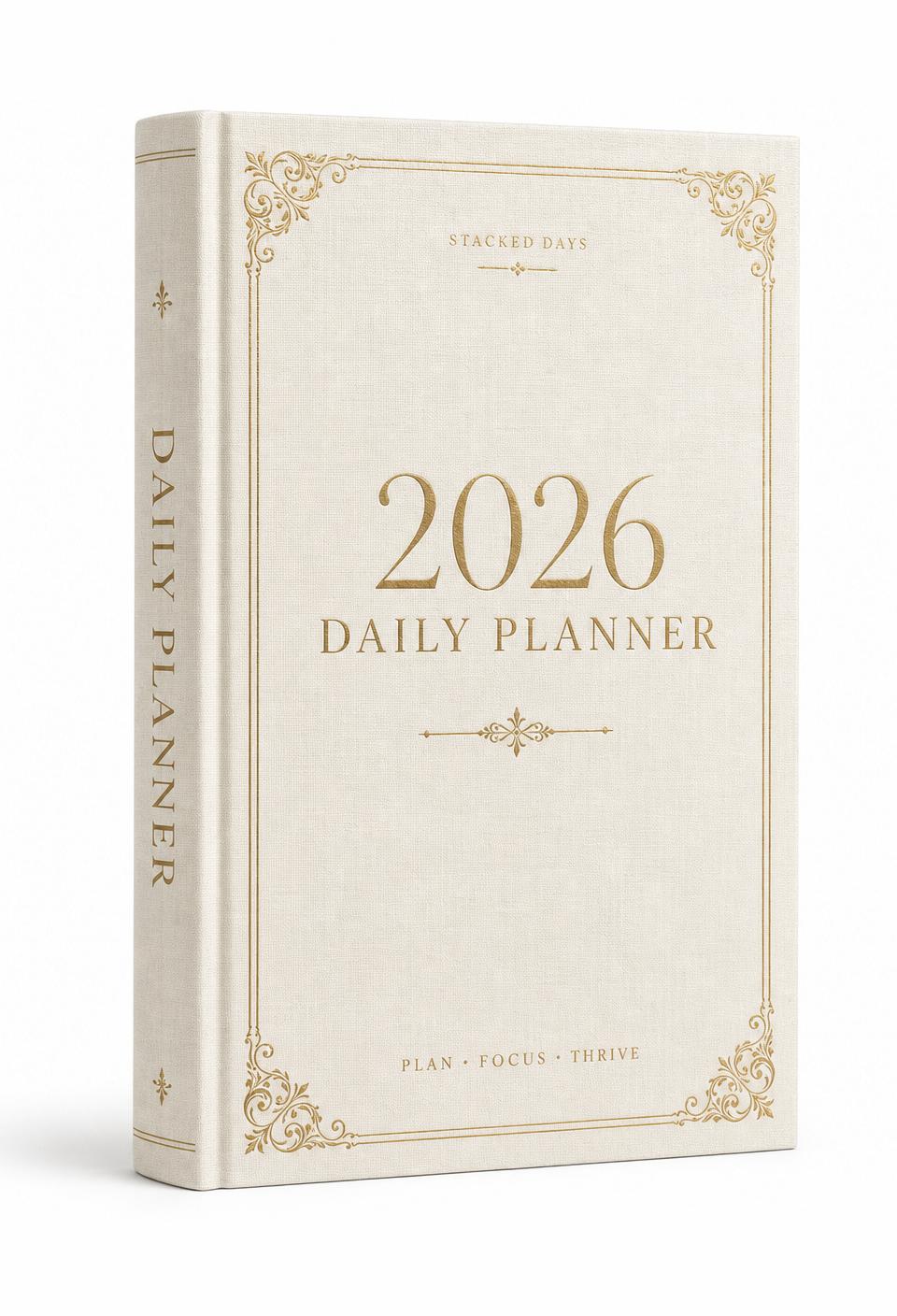
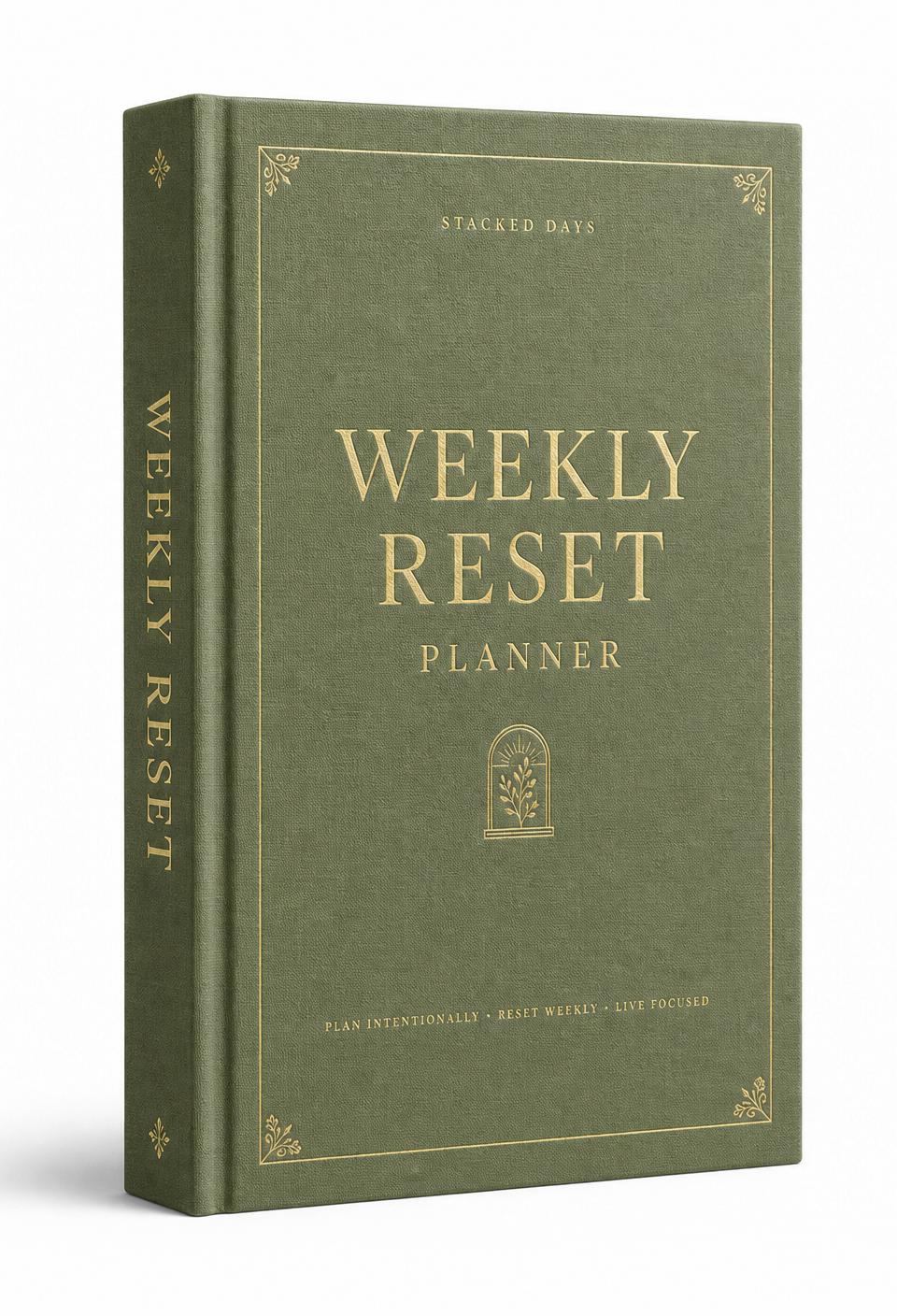
GoodNotes and Notability are the two giants of iPad note-taking. Both are excellent. Both work flawlessly with every Stacked Days journal and planner. But they have different brains, and the one that fits you depends on what you're actually doing.
GoodNotes wins on: template pinning (huge for daily planner users), folder organization, handwritten text search, and a one-time purchase option for users who don't want a subscription.
Notability wins on: audio recording synced to handwriting (a killer feature for students and meeting note-takers), math handwriting recognition, and a slightly smoother sketching experience.
For pure digital planning and journaling — which is what most Stacked Days customers are doing — GoodNotes is the easier recommendation. The template pinning alone saves you from adding a new daily page manually every morning.
If you're using your iPad for lectures, client meetings, or anything where you'd want audio recorded alongside your handwriting, Notability has the edge. Many users own both, using each for what it does best.
Frequently asked
Questions readers ask
- Can I use the same planner in both apps?
- Yes. Every Stacked Days PDF works identically in GoodNotes, Notability, and Noteshelf. Try both — neither will damage your planner.
- Is Notability or GoodNotes better value?
- Both use subscription pricing in 2026. GoodNotes offers a one-time purchase tier; Notability is subscription-only. For long-term planning, GoodNotes is more economical.
- Do hyperlinks work in both?
- Yes. Both apps preserve internal PDF hyperlinks for navigation. Tap a date or index entry and you'll jump.
Author
The Stacked Days Team
We make slow-made digital journals, planners, and trackers for anyone choosing to live a little more on purpose.